
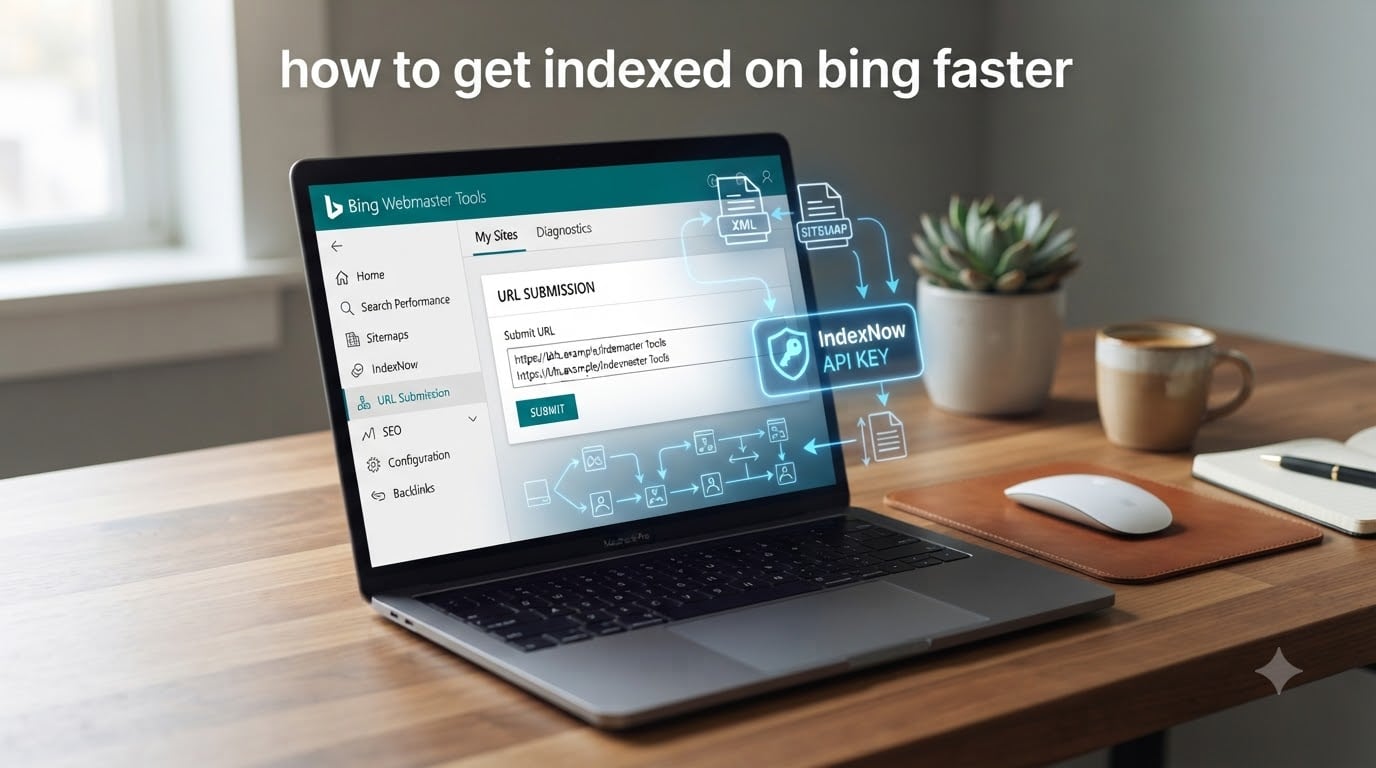
If you want to get indexed on Bing faster, the short version is this: don’t wait for Bingbot to find your pages by accident. Push your URLs to Bing with IndexNow, verify your site in Bing Webmaster Tools, submit an XML sitemap, and make sure every new page has at least one internal link pointing at it. I have used these exact steps to get brand-new pages live in the Bing index in under 24 hours, and they work whether you run a blog, a Shopify store, or a custom-built site.
Below is the full walkthrough I wish I had when I first started. I will cover why Bing indexing still matters in 2026 (especially with ChatGPT and Microsoft Copilot in the mix), exactly how Bingbot works, a numbered 7-step method to get indexed on Bing faster, a comparison of IndexNow vs sitemap vs manual submission, the errors I have seen block indexing, and answers to the questions readers ask me most often.
Table of Contents
Quick Start: 7 Steps to Get Indexed on Bing Faster
- Verify your site in Bing Webmaster Tools.
- Submit your XML sitemap.
- Install IndexNow and submit new or updated URLs.
- Use the manual URL submission tool for priority pages.
- Add internal links from already-indexed pages to new ones.
- Audit your robots.txt and remove accidental noindex or block rules.
- Add schema markup so Bingbot understands your content faster.
Why Bing Indexing Matters in 2026 (and the AI Connection)
Bing is no longer “the other search engine.” In 2026, Bing’s index powers Bing search, ChatGPT with browsing, Microsoft Copilot, DuckDuckGo, and Yahoo. One submission to Bing can light your pages up across several platforms at once.
That matters more than most site owners realize. When I have asked SEOs in r/SEO and r/Blogging why they bother with Bing when Google already indexes their site, the most common reason they give is reach. A page that sits in Bing’s index can surface in ChatGPT answers, Copilot summaries, and DuckDuckGo results without extra work.
If your audience uses any of those surfaces, treating Bing as optional is leaving real traffic on the table. The good news: getting indexed on Bing faster is often easier than Google, because Bingbot is generally less picky about link authority and tends to trust sitemap and IndexNow signals right away.
How Bingbot Crawls and Indexes Your Site
Bingbot is Microsoft’s web crawler. It discovers URLs through three main channels: links from other pages, XML sitemaps, and push protocols like IndexNow. Once it finds a URL, it queues it for crawling, renders the page (yes, including JavaScript), and decides whether the page is high enough quality to add to the index.
Bingbot has a crawl budget just like Googlebot. That is the number of URLs it is willing to fetch from your site in a given window. If your crawl budget is wasted on junk URLs like filter pages, faceted navigation, or thin tag pages, your real content gets crawled less often and indexes more slowly.
What Bingbot tends to prioritize: pages with clear titles and meta descriptions, server-rendered HTML it can read quickly, structured data, and a healthy internal link graph. What it tends to deprioritize: pages blocked by robots.txt, pages with noindex tags, redirect chains, and pages that take forever to load.
How to Get Indexed on Bing Faster: 7 Proven Methods
Step 1: Set Up and Verify Bing Webmaster Tools
Bing Webmaster Tools is the single most important step if you want to get indexed on Bing faster. It is free, it gives Bing a verified signal that your site is legitimate, and it unlocks every other tool below.
Here is what I do, in order:
- Go to bing.com/webmasters and sign in with a Microsoft account.
- Click “Add a site” and enter your root domain (use the version you want indexed, with or without www).
- Verify ownership using one of three methods: upload an XML file to your root, copy a meta tag into your homepage, or add a CNAME record in DNS.
- Once verified, submit your XML sitemap URL under Sitemaps > Submit Sitemaps.
Verification usually completes in under an hour if you use the meta tag method. Until Bing sees that verification, every other signal is weaker.
Step 2: Submit Your XML Sitemap
An XML sitemap is a file that lists every URL you want Bing to know about. Submitting it is one of the fastest ways to get indexed on Bing faster, because it hands Bingbot a queue instead of asking it to wander your site and find pages on its own.
If you use WordPress, Yoast or Rank Math generates your sitemap automatically. It usually lives at /sitemap.xml or /sitemap_index.xml. If you use Shopify, the sitemap is at /sitemap.xml by default. For custom sites, any static site generator or CMS can output one.
Submit it in Bing Webmaster Tools under Sitemaps, then check back in 24 to 48 hours. You should see Bingbot begin fetching URLs from it. If nothing happens after a week, your sitemap has an error and Bing is ignoring it; common causes are a wrong format, blocked URLs inside it, or a sitemap that exceeds the 50,000 URL / 50 MB limit.
Step 3: Install IndexNow for Instant Notifications
IndexNow is the protocol that lets you push new, updated, or deleted URLs to Bing (and other participating engines) the moment you publish. It is the single biggest speed win for getting indexed on Bing faster.
Instead of waiting for Bingbot to crawl your sitemap, you fire an API call that says “this URL just changed, come look now.” In practice, this can drop indexing time from days or weeks to under an hour.
There are three easy ways to enable IndexNow:
- WordPress: Install the IndexNow plugin by Microsoft, paste in your API key, and you’re done.
- Cloudflare: Turn on Crawler Hints in the Cloudflare dashboard. Crawler Hints speaks IndexNow automatically for every URL change.
- Custom sites: Generate an API key at bing.com/indexnow, store it as a text file at
/{your-key}.txt, then POST your URL list tohttps://api.indexnow.org/indexnowwhenever content changes.
Whatever route you pick, submit your top 10 to 20 URLs once after setup to verify the integration works. After that, IndexNow runs in the background for every new page.
Step 4: Use Manual URL Submission for Priority Pages
Bing Webmaster Tools has a manual URL submission tool under URL Submission. You get a daily quota (currently 10 URLs per day for most sites), and submitted URLs are crawled within minutes to hours, not days.
I use this for pages that I need live fast: time-sensitive announcements, product launches, and press releases. If you have a new post you want indexed today, this is faster than waiting on IndexNow or the sitemap.
To submit, paste the URL into the Submit URLs tool, hit Submit, and watch the URL Inspection report. Bingbot should fetch it within the next crawl cycle.
Step 5: Strengthen Internal Linking
Internal linking is one of the most underrated methods to get indexed on Bing faster. Bingbot follows links to find new pages. A new URL that has zero internal links pointing at it is an orphan page, and Bingbot treats orphans as low priority.
Every new page should link out to at least one related, already-indexed page, and at least one already-indexed page should link back to it. I add new posts to a “Recent Posts” widget in the sidebar and link to them from related older articles, which gives every new URL multiple entry points.
This is also where forum users in r/SEO report the biggest wins: pages stuck in “Discovered” status often move into the index once they pick up a few solid internal links from pages Bing already trusts.
Step 6: Fix Robots.txt and Technical Blockers
If your robots.txt accidentally blocks Bingbot, no other step will help. Common mistakes I see: a leftover Disallow: / from staging, a wildcard that catches your sitemap directory, or a meta robots noindex tag that was meant to be temporary.
Open your robots.txt and confirm Bingbot is allowed. Then check your homepage and key templates for stray noindex meta tags. Bing also honors X-Robots-Tag HTTP headers, so check those in your server config if you use them.
Also confirm that Bingbot can actually render your pages. If your content is JavaScript-only and your server does not pre-render, Bingbot may see an empty page and skip indexing. Server-side rendering (SSR) or static generation solves this.
Step 7: Add Schema Markup and Keep Content Crawl-Friendly
Schema markup helps Bingbot understand what your page is about. Article, Product, FAQ, and BreadcrumbList schemas are the most useful for indexing speed because they give Bingbot structured signals before it finishes parsing the rest of the HTML.
Beyond schema, keep your titles under 60 characters, write unique meta descriptions for every page, and avoid orphan URLs. Bingbot rewards clarity with faster indexing.
IndexNow vs Sitemap vs Manual Submission
These three methods do different things, and the fastest path to get indexed on Bing faster usually combines all three. Here is how they compare.
| Method | Best For | Speed | Daily Volume |
|---|---|---|---|
| IndexNow | Every new, updated, or deleted URL, automatically | Minutes to hours | 10,000 URLs per batch |
| XML Sitemap | Site-wide discovery and bulk URL hand-off | 24 hours to several days | Up to 50,000 URLs per file |
| Manual URL Submission | Priority pages and urgent announcements | Minutes | 10 URLs per day |
IndexNow is the workhorse for new content. The XML sitemap is the safety net that covers anything IndexNow misses. Manual submission is the panic button when a single URL needs to be live right now.
Common Bing Indexing Problems and Fixes
These are the indexing issues I see most often, including several straight from r/SEO threads.
- Page stuck in “Discovered, currently not indexed.” This usually means Bingbot found the URL but does not think it is worth crawling yet. Add internal links from high-authority indexed pages, increase content quality, and resubmit via the URL Inspection tool.
- Sitemap submitted 15+ days ago, no pages indexed. Check that Bingbot can actually fetch your sitemap (look at the crawl info in Bing Webmaster Tools). Confirm your sitemap is valid XML, under the size limit, and not blocked by robots.txt.
- New domain not indexing at all. Verify Bing Webmaster Tools ownership, submit your sitemap, submit your top pages manually, and add IndexNow. New domains often take 7 to 14 days for the first crawl if you skip these steps.
- Pages indexed then dropped. Look for noindex tags that came back during a CMS update, redirect chains, and server timeouts that return soft 404s.
- JavaScript-heavy pages not indexing. Bingbot renders JavaScript but slower than Googlebot. Switch to server-side rendering or static generation for your key pages.
One last forum insight worth repeating: several users in r/Blogging reported that switching from “submit sitemap and wait” to “submit sitemap plus IndexNow plus internal links” cut their average Bing indexing time from about 12 days to under 24 hours. The combination is what works.
Frequently Asked Questions
How long does Bing take to index new pages?
Without any action, Bing can take 7 to 30 days to discover and index a new page. With Bing Webmaster Tools verified, an XML sitemap submitted, and IndexNow enabled, most new pages index in under 24 hours.
Why is Bing indexing slower than Google?
Bingbot has a smaller crawl budget per site than Googlebot and prioritizes pages with strong internal links and structured data. Bing is also more conservative about indexing thin or low-quality pages, which can make new sites feel slow until they build trust signals.
What is IndexNow and how does it work?
IndexNow is a free protocol that lets you ping search engines the moment a URL is added, updated, or deleted. You submit URLs via an API call, and Bing (along with other participating engines) crawls them right away instead of waiting for the next scheduled crawl.
How do I check if my site is indexed on Bing?
Use the site:yourdomain.com operator in Bing search, or check Bing Webmaster Tools under URL Inspection for individual pages. The Pages report also shows which URLs Bingbot has crawled and indexed.
How do I submit a URL to Bing Webmaster Tools?
Sign in to Bing Webmaster Tools, go to URL Submission, paste up to 10 URLs per day, and click Submit. Submitted URLs are typically crawled within minutes to hours.
Why does Bing show my page as Discovered but not indexed?
Discovered but not indexed means Bingbot knows the URL exists but has not added it to the index yet. This usually points to thin content, weak internal links, or a low crawl budget. Add stronger internal links, improve the page, and resubmit it.
Should I focus on Bing if Google already indexes my site?
Yes, because Bing powers ChatGPT with browsing, Microsoft Copilot, DuckDuckGo, and Yahoo. Getting indexed on Bing faster puts your content in front of users on those surfaces too, often with less competition than Google.
Conclusion
To get indexed on Bing faster in 2026, stop waiting for Bingbot to stumble onto your pages. Verify Bing Webmaster Tools, submit your XML sitemap, install IndexNow, push priority URLs through the manual submission tool, link new pages from old ones, and clear any technical blockers in your robots.txt or rendering setup.
That combination is what compresses Bing indexing from weeks into hours. Run through the checklist today, then submit your next new URL and watch it land in the index. If you want a quick win first, set up IndexNow through the WordPress plugin or Cloudflare Crawler Hints; either takes under ten minutes and starts paying back immediately.