
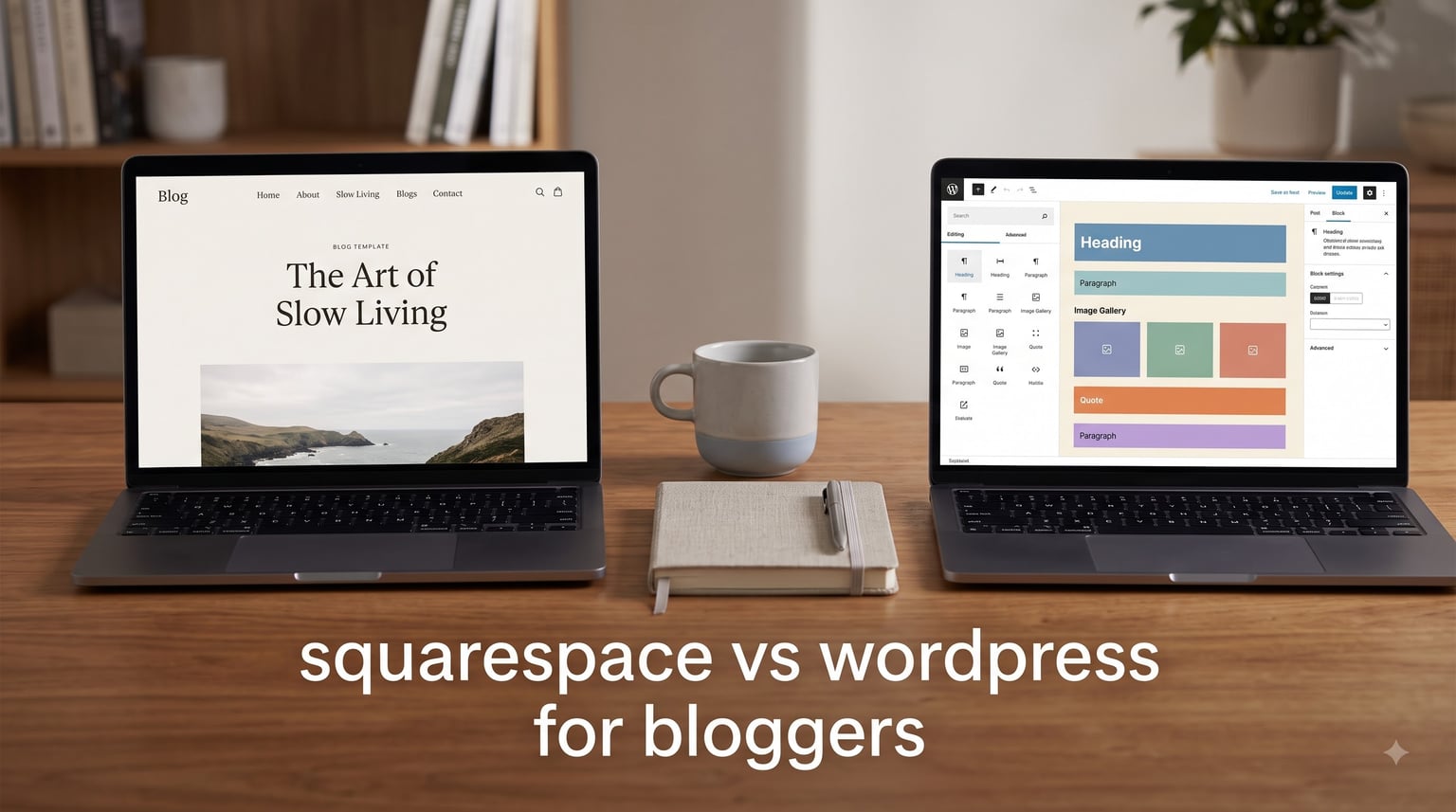
Choosing between Squarespace and WordPress is one of the first big decisions every new blogger faces. I have helped dozens of bloggers set up their sites, and the platform choice shapes everything from your daily workflow to your long-term costs. Here is the honest breakdown for 2026.
For most beginner bloggers, Squarespace is the better choice. You get an all-in-one platform with built-in hosting, security, and stunning templates. WordPress.org offers more flexibility and SEO power, but you must handle hosting, security updates, and plugin management yourself.
Table of Contents
Squarespace vs WordPress for Bloggers: The Quick Answer
The right platform depends on your priorities. If you want to start writing today without worrying about technical setup, Squarespace wins. If you need full control over every aspect of your blog and are willing to learn some technical skills, WordPress is the better long-term investment.
Pick Squarespace if: You are a beginner, value beautiful design out of the box, want an all-in-one solution, and prefer paying one predictable monthly fee.
Pick WordPress if: You need maximum customization, plan to scale significantly, want advanced SEO control, or are comfortable managing hosting and updates.
What Is Squarespace?
Squarespace is a hosted website builder launched in 2004. It provides everything in one package: templates, hosting, security, and a drag-and-drop editor called Fluid Engine. You pay a monthly subscription and build your site through a web browser with no coding required.
For bloggers, this means zero technical maintenance. Squarespace handles server updates, SSL certificates, and security patches automatically. You focus entirely on writing and design.
What Is WordPress?
WordPress is an open-source content management system launched in 2003. It powers over 43% of all websites on the internet. The software is free to download, but you must install it on your own web hosting account.
There are two versions: WordPress.com (a hosted service) and WordPress.org (self-hosted). This comparison focuses on WordPress.org, the self-hosted version, because it offers the full flexibility bloggers often seek.
Self-hosted WordPress requires you to purchase hosting, install the software, manage updates, and handle security. In exchange, you get complete control over your site with thousands of free themes and over 60,000 plugins.
Squarespace vs WordPress: Cost Comparison
Many bloggers look at WordPress being “free” and assume it is cheaper. The real cost picture is more nuanced. Here is what you actually pay over time.
Squarespace pricing for bloggers:
The Business plan at $23/month (paid annually) is the sweet spot for bloggers. It includes a free custom domain for the first year, unlimited bandwidth, and basic ecommerce. The Basic plan at $16/month works for simple blogs but lacks some features. Annual billing saves around 30% compared to monthly.
Over three years, expect to pay approximately $828 total on the Business plan. There are no hidden hosting or security fees.
WordPress true costs:
WordPress software is free, but hosting is not. Quality managed WordPress hosting starts around $20-35/month for beginners. Budget shared hosting exists at $3-10/month, but performance and support suffer. You also need:
- A premium theme: $0-200 (one-time)
- Security plugin: $0-199/year
- Backup solution: $0-100/year
- SSL certificate: Often free through hosting
Over three years, a typical WordPress blog costs $700-1,500 when you factor in hosting and essential tools. Budget hosting can push this lower, but at the cost of site speed and reliability.
Reddit users frequently mention frustration with “hidden” WordPress costs that add up over time. One r/blogging user noted they spent over $400 in their first year on hosting, a theme, and various plugins.
Bottom line: Squarespace has predictable costs. WordPress can be cheaper or more expensive depending on your choices, but requires more research to avoid surprise expenses.
Ease of Use: Which Platform Is Easier for Bloggers?
For beginners, Squarespace is significantly easier to learn. The drag-and-drop Fluid Engine editor lets you see exactly how your blog posts will look as you build them. Most users can create a professional-looking blog in a weekend without tutorials.
WordPress has a steeper learning curve. The Gutenberg block editor is powerful but takes time to master. You must also learn about themes, plugins, widgets, and site settings. Reddit users in r/Wordpress frequently describe WordPress as “hard to manage” for beginners, with one user saying they “spent weeks just figuring out basic settings.”
Key difference: Squarespace works immediately after signup. WordPress requires installation, theme selection, and plugin configuration before you can write your first post.
That said, WordPress offers more control once you learn it. Bloggers who invest 20-40 hours learning the platform often prefer the flexibility. Squarespace limits what you can customize, which frustrates users who want specific design tweaks.
Blogging Tools and Daily Workflow
Both platforms offer solid blogging tools, but they work differently. Here is what matters for your daily writing routine.
Editor experience:
Squarespace uses a visual drag-and-drop editor. You add text blocks, images, and other elements directly onto your page. The Fluid Engine (introduced in 2022) gives more precise control over layouts. Everything updates in real-time as you work.
WordPress uses the Gutenberg block editor. You build posts with blocks for text, images, quotes, and more. It is powerful, but the editing experience depends heavily on your theme. Some themes handle blocks beautifully; others create formatting headaches.
Autosave and version history:
WordPress includes autosave and revision history by default. If your browser crashes or you accidentally delete content, you can recover previous versions. Bloggers consistently praise this feature in forums.
Squarespace has improved autosave, but version history is limited compared to WordPress. This is a common pain point mentioned by Reddit users who have lost work.
Scheduling and categories:
Both platforms let you schedule posts for future publication and organize content with categories and tags. WordPress offers more granular control with custom taxonomies and hierarchical categories.
Media management:
Squarespace media management is straightforward but basic. You drag images into your posts. WordPress has a full media library with image editing, alt text management, and organization by date.
Squarespace vs WordPress SEO for Bloggers
Which platform is better for SEO? WordPress has more built-in SEO capabilities, but Squarespace is sufficient for most bloggers. Here is the breakdown.
WordPress SEO advantages:
With plugins like Yoast SEO or Rank Math, WordPress gives you detailed control over meta titles, descriptions, sitemaps, schema markup, and content analysis. You can optimize every aspect of your SEO directly in the editor.
WordPress also offers more control over site structure, URL formats, and redirects. For serious SEO practitioners, this granularity matters.
Squarespace SEO capabilities:
Squarespace includes built-in SEO tools that cover the basics well. Meta titles and descriptions are customizable. Sitemaps generate automatically. The platform handles technical SEO like SSL and mobile responsiveness by default.
What Squarespace lacks is fine-grained control. You cannot edit schema markup directly, and some advanced SEO features require workarounds. For most bloggers, this is not a blocker.
Core Web Vitals and page speed:
Squarespace handles speed optimization automatically, including image compression and CDN delivery. WordPress performance depends on your hosting, theme, and caching setup. A well-optimized WordPress site outperforms Squarespace. A poorly configured one loads slowly.
Reddit discussions often mention plugin conflicts slowing WordPress sites. One r/Blogging user reported their WordPress site went from “blazing fast to crawling” after installing too many plugins.
Templates and Design Flexibility
Squarespace is famous for beautiful, professional templates. You get over 140 designer-created templates, all mobile-responsive by default. Customizing requires no coding, though you cannot change the fundamental structure of a template.
WordPress offers thousands of free and premium themes. The design possibilities are nearly endless, especially with page builders like Elementor or Divi. However, finding the right theme takes time, and poorly coded themes can cause security and performance issues.
Key trade-off: Squarespace gives you guaranteed good design with limited flexibility. WordPress offers unlimited design possibilities with more effort and risk.
Forum users often say Squarespace is “easy to set up but limited” while WordPress provides “more design freedom but acknowledges complexity.” Your patience for learning design tools determines which approach works better.
Ecommerce and Monetization
Many bloggers eventually want to sell products, courses, or services. Both platforms handle ecommerce, but differently.
Squarespace ecommerce:
Squarespace includes ecommerce on Business and Commerce plans. The lower-tier plans charge a 3% transaction fee on sales. You can sell physical products, digital downloads, and services. The ecommerce tools integrate seamlessly with your blog.
WordPress ecommerce:
WordPress uses the WooCommerce plugin for ecommerce. It is free, powerful, and highly customizable. You avoid platform transaction fees, but you pay for payment processing and may need premium WooCommerce extensions for advanced features.
For bloggers planning serious ecommerce with custom requirements, WooCommerce offers more flexibility. For simple product sales, Squarespace is easier to manage.
Affiliate marketing:
Both platforms work fine for affiliate links. WordPress offers more tracking and management plugins. Squarespace keeps things simple but lacks advanced affiliate tools.
Security and Maintenance
This is where the hosted vs self-hosted difference becomes critical.
Squarespace handles everything:
Security updates, SSL certificates, server maintenance, and backups all happen automatically. You never worry about vulnerabilities or software updates. For bloggers who want to focus purely on content, this is a major advantage.
WordPress requires ongoing maintenance:
You must update WordPress core, themes, and plugins regularly. Outdated plugins are a leading cause of security breaches. You also need to configure backups, monitor for malware, and potentially handle server-level issues.
Managed WordPress hosting reduces this burden by handling updates and security at the server level, but it costs more. Reddit users frequently mention “WordPress maintenance can be time-consuming” as a frustration.
GDPR and privacy:
Squarespace includes GDPR-compliant features like cookie consent banners and data processing tools. WordPress requires plugins and manual configuration for full GDPR compliance, which adds complexity for bloggers with European audiences.
Customer Support
Squarespace offers 24/7 email support and live chat during business hours. The support team can help with platform-specific issues but cannot debug custom code.
WordPress has no official support for self-hosted users. Instead, you rely on community forums, documentation, and your hosting provider’s support. Premium managed hosting typically includes better WordPress-specific help.
Forum users note that “support quality varies” and that “responsive help” matters when problems arise. If you anticipate needing frequent assistance, Squarespace provides more reliable direct support.
How to Migrate From Squarespace to WordPress (and Back)
Some bloggers start on one platform and later realize they should have chosen differently. Here is what migration involves.
Migrating from Squarespace to WordPress:
Export your Squarespace content from Settings > Advanced > Import/Export. Download the WordPress export file. Install WordPress on your new hosting. Use the WordPress importer tool to upload your content.
Images may need manual transfer. Your design will not transfer; you will need to choose a new WordPress theme and rebuild layouts. Expect 10-40 hours of work depending on site size.
Migrating from WordPress to Squarespace:
Squarespace can import WordPress content via RSS or direct export files. Go to Settings > Advanced > Import/Export and select WordPress. Pages, posts, and some images transfer over.
Again, design does not transfer. You will need to rebuild your site using Squarespace templates.
Key insight: Neither platform makes migration seamless. Plan for significant effort if you switch. This is why choosing the right platform initially matters so much.
Squarespace vs WordPress for Bloggers: Decision Checklist
Answer these questions to find your ideal platform:
- Do you have less than 5 hours to spend on initial setup? Choose Squarespace.
- Do you need advanced SEO features like custom schema markup? Choose WordPress.
- Do you want to sell products with zero transaction fees? Choose WordPress + WooCommerce.
- Do you prefer paying one predictable monthly bill? Choose Squarespace.
- Do you plan to heavily customize your site design? Choose WordPress.
- Do you want to avoid all technical maintenance? Choose Squarespace.
- Do you need multilingual capabilities? Choose WordPress.
- Do you value beautiful templates without hiring a designer? Choose Squarespace.
If you answered mostly in the first category for each pair, you know which platform fits your blogging goals.
Frequently Asked Questions
Which is better for blogging, Squarespace or WordPress?
For most beginners, Squarespace is better because it is easier to use and requires no technical maintenance. For bloggers who need advanced customization and SEO control, WordPress is the better choice.
Is Squarespace worth it for a blog?
Yes, Squarespace is worth it for bloggers who value ease of use, beautiful templates, and an all-in-one platform. The predictable monthly cost and zero maintenance make it ideal for beginners.
What is the best website builder for bloggers?
The best website builder depends on your needs. Squarespace is best for beginners who want simplicity. WordPress.org is best for bloggers who need maximum flexibility and control. Other options like Wix and Ghost suit specific niches.
Why are people moving away from WordPress?
Bloggers move away from WordPress because of the maintenance burden, plugin conflicts, security vulnerabilities, and learning curve. Managed WordPress hosting reduces some issues, but the complexity still frustrates users who want to focus on writing.
Can I migrate my blog from Squarespace to WordPress later?
Yes, you can migrate from Squarespace to WordPress. Export your content from Squarespace, import it into WordPress, and rebuild your design with a WordPress theme. The process takes 10-40 hours depending on your site size.
Conclusion
The Squarespace vs WordPress for bloggers debate ultimately comes down to your priorities. Squarespace offers simplicity, beautiful design, and zero maintenance in exchange for less flexibility. WordPress provides unlimited customization and advanced features at the cost of complexity and ongoing maintenance.
My recommendation: Start with Squarespace if you are new to blogging. You can always migrate to WordPress later if your needs grow beyond what Squarespace can offer. Many successful bloggers stay on Squarespace for years because it lets them focus on writing instead of website management.
Choose WordPress from day one if you are technically inclined, need specific features Squarespace lacks, or plan to build a large-scale content business. The learning investment pays off when you need full control.
Whichever platform you choose, the most important step is to start writing. Your platform matters far less than your consistency and content quality.