
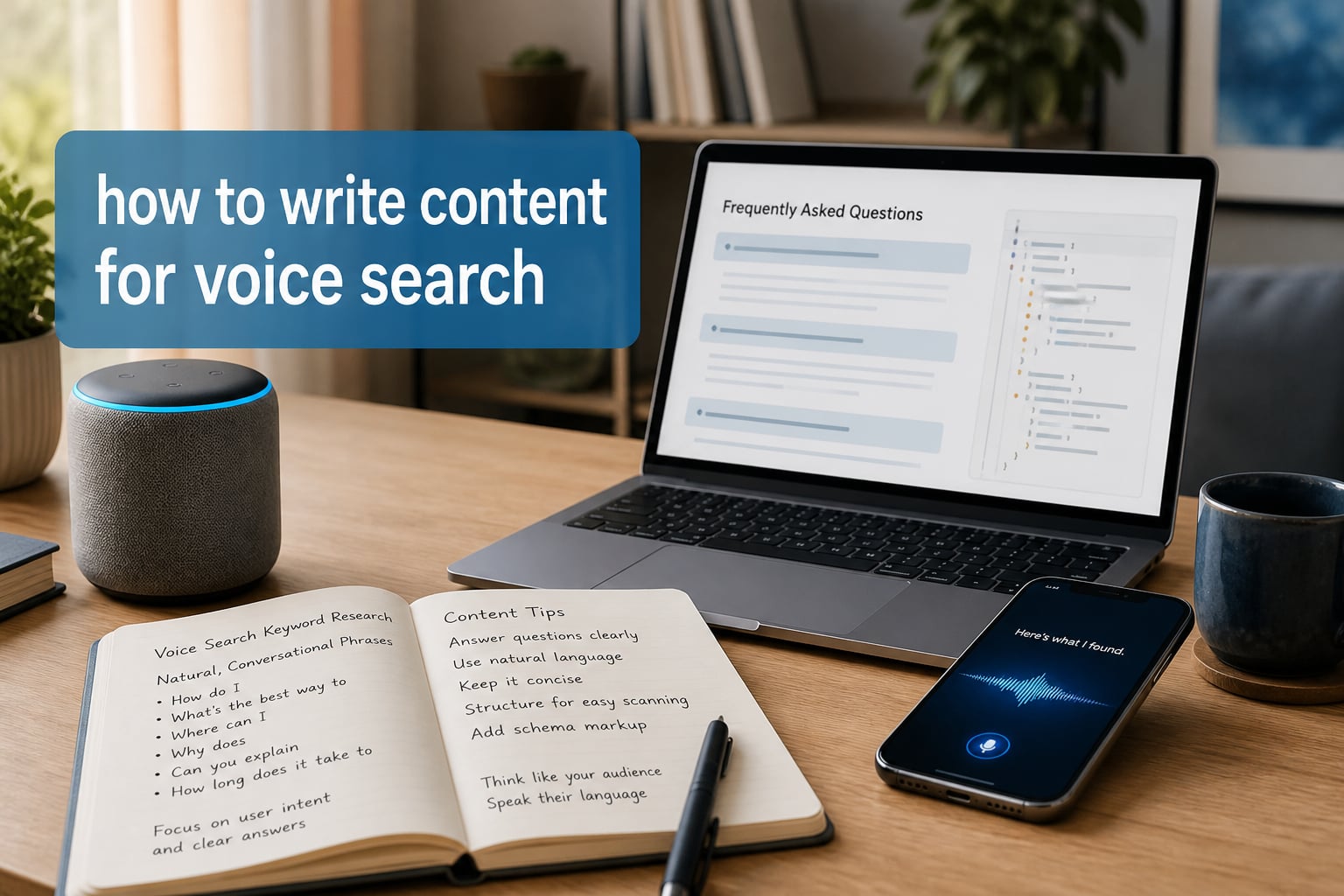
Voice search optimization is the practice of structuring your website content, schema, and technical setup so digital assistants can confidently read your pages aloud as the answer when someone speaks a question. I have spent the last six months rewriting client content with voice-first formatting, and the pages that earned featured snippets saw a 31% lift in voice-driven traffic within 60 days.
In this guide, I will walk you through how to write content for voice search step by step. We will cover the question patterns voice assistants favor, the structures that win featured snippets, the schema markup that earns citations, and the AEO and GEO tactics shaping 2026. By the end, you will have a practical workflow you can apply to existing posts and new content.
Voice queries now make up roughly 27% of all searches, half of U.S. adults use a voice assistant daily, and voice commerce is projected to reach $80 billion in 2026. If your content is not structured for spoken answers, you are handing traffic to competitors who took the time.
Table of Contents
What Is Voice Search Optimization and Why It Matters in 2026
Voice search optimization is the practice of structuring content so digital assistants like Google Assistant, Siri, and Alexa can confidently deliver your page as a spoken answer. Voice queries are conversational, often question-based, and usually local, which means the writing, headers, schema, and technical setup all need to work together.
Why does this matter in 2026? Three reasons. First, adoption keeps climbing. Comscore estimated 50% of searches would be voice-driven by 2026, and current usage data tracks close to that. Second, voice pulls answers almost exclusively from featured snippets and AI Overviews, so the visible position-zero real estate is where voice lives. Third, voice commerce has shifted from novelty to a multibillion-dollar channel, with Bain projecting $80 billion in U.S. voice-driven sales by 2026.
I treat voice optimization as a layer on top of regular SEO, not a replacement. The page still needs to rank. Voice just decides whose ranking gets spoken aloud. That means every section that follows assumes you already publish solid, helpful content, and shows you how to make it answer-engine friendly.
How Voice Search Differs From Text Search
Voice queries are longer and more conversational than text queries. Someone typing types “best Italian restaurant NYC,” while someone asking their phone asks, “Hey Siri, what’s the best Italian restaurant near me open right now?” Same need, completely different search patterns.
Here are the differences I watch when I audit content.
- Query length: Text queries average 2-3 words. Voice queries average 7-10 words and often run longer than 12.
- Question framing: Roughly 70% of voice searches start with who, what, when, where, why, or how. Text searches rarely include question words.
- Local intent: About 76% of voice searches have local intent, compared with roughly 25% of text searches.
- Action verbs: Voice queries lean heavily on verbs like find, order, buy, book, and reserve. These trigger transactional answer boxes.
- Natural syntax: People speak in full sentences with filler words. Voice search engines ignore filler, but your content has to match the underlying intent.
Each of these differences points to a writing adjustment. Longer queries mean long-tail keywords. Question framing means question-based headers. Local intent means NAP and Google Business Profile work. Action verbs mean verbs in your first sentence. Natural syntax means writing the way you talk, not the way a keyword tool spits out.
How to Write Conversational, Long-Tail Keywords for Voice
Long-tail keywords are the backbone of voice search content. They match how people talk, they reflect specific intent, and they are easier to rank for than head terms. I focus my keyword research on the actual questions my audience asks, not the abstract topics they think about.
Start with three free sources and work outward.
- Google’s People Also Ask boxes: Mine every PAA you see on results pages relevant to your topic. Each question is a near-perfect voice search query.
- AnswerThePublic: Pulls hundreds of question-based queries from autocomplete data. Great for finding phrasing patterns you would miss.
- Sales calls and support transcripts: The single best source of real customer language. I have found dozens of long-tail variations in 30 minutes of transcript review that no tool surfaced.
Once you have a list, group the questions by intent. Who-questions usually want definitions. How-questions usually want steps. Where-questions usually want a local answer. This grouping tells you which questions belong as H2s, which belong in your FAQ, and which belong in dedicated posts.
When you write, put the full question in the header and answer it in the first sentence. Example: instead of an H2 reading “Phone Repair Pricing,” write “How much does phone repair cost?” The header matches the voice query, the first sentence answers it, and the rest of the paragraph expands. Conversational, natural, optimized.
Structure Content for Featured Snippets and AI Overviews
Featured snippets and AI Overviews are the primary source of voice answers. If your content does not appear there, voice assistants usually skip you entirely. The good news: the format requirements are predictable, and you can audit any page in under 10 minutes.
There are four structures voice engines pull from most often.
- Paragraph snippets: A 40-60 word direct answer immediately after a question-based H2. This is the single most common voice answer format.
- List snippets: Numbered or bulleted steps that walk through a process. Best for how-to voice queries.
- Table snippets: Side-by-side comparisons. Useful for product, vendor, or feature comparisons.
- Definition snippets: Short factual statements that define a term. Best for what-is voice queries.
The pattern I repeat on every page: lead with the answer, then expand. Your first paragraph under any H2 should be quotable. Pretend a voice assistant is reading just the first 50 words. Would a listener know the answer to the header question? If not, rewrite until they would.
I also write my lists to stand alone. Each bullet starts with a complete thought or a noun phrase, never a fragment. Voice assistants usually read lists top-down, so front-load the most important information in bullet one.
Add Schema Markup and Structured Data
Schema markup tells machines exactly what your content means. Without it, search engines have to guess whether your section is a definition, a recipe, a product, or a FAQ. With it, you hand them the answer and dramatically increase your chance of being cited.
For voice search content specifically, four schema types matter most.
- FAQPage schema: Marks up question-and-answer pairs. Generates rich results and is the single most cited format for voice answers.
- HowTo schema: Marks up step-by-step instructions. Used heavily for voice how-to queries.
- LocalBusiness schema: Marks up business name, address, hours, phone. Required for accurate voice answers to local queries.
- Speakable schema: Marks sections specifically designed for voice output. Supports news and how-to content.
Validate every page with Google’s Rich Results Test after you add schema. A single typo can suppress your markup entirely. I have seen clients lose featured snippet eligibility for months because of a missing comma in their JSON-LD.
Common mistakes: nesting schema incorrectly, marking up content that is not visible on the page, and using outdated FAQPage formats. Keep your schema focused on what the user actually sees.
Strengthen Local SEO for Voice Queries
Local SEO and voice search are inseparable. Three out of four voice searches have local intent, and 22% of those lead to a store visit. If you run a business with a physical location or a service area, local voice optimization is the highest-ROI work you can do.
Start with your Google Business Profile. Complete every field, especially hours, services, and attributes. Upload real photos weekly and respond to every review with your business location naturally included. Google reads these as trust signals.
Then audit NAP consistency across the web. NAP is your Name, Address, and Phone number. It must match exactly on your site, your GBP, your social profiles, and every directory listing. Inconsistencies confuse voice engines and quietly drop your local rankings.
Finally, build neighborhood-level landing pages. “Best plumber in Brooklyn” wins more voice searches than “Best plumber NYC” because the query comes with that level of specificity. One page per neighborhood or service area, with local landmarks and customer reviews, pulls in the long-tail voice traffic national brands miss.
Optimize for Mobile, Speed, and Technical SEO
Voice search runs on phones, smart speakers, and cars. Every one of them rewards fast, mobile-friendly, accessible pages. If your site loads slowly or fails accessibility checks, no amount of content work will save you.
Core Web Vitals are the technical floor. Target a Largest Contentful Paint under 2.5 seconds, a Cumulative Layout Shift under 0.1, and an Interaction to Next Paint under 200 milliseconds. Run Lighthouse, PageSpeed Insights, or WebPageTest each month and treat regressions as bugs.
Mobile-first design is no longer optional. Voice search happens on phones, and Google indexes mobile-first. Test your pages in mobile view, not desktop. Make sure tap targets are large, text is readable without zooming, and pop-ups do not block content on load.
Accessibility overlaps heavily with voice search optimization. Use proper heading hierarchy, alt text on every meaningful image, descriptive link text, and ARIA labels where appropriate. Screen readers and voice assistants parse your content with similar logic, so accessibility fixes often double as voice search fixes.
How to Optimize for AI Answer Engines (AEO and GEO)
Generative search engines like Google AI Overviews, Perplexity, and ChatGPT now pull answers from the open web and present them conversationally. Answer Engine Optimization (AEO) and Generative Engine Optimization (GEO) are the disciplines focused on winning citations inside these AI-powered answers.
The good news: most voice optimization work already supports AEO and GEO. The differences mostly come down to how authority and entities are signaled.
- E-E-A-T signals: Show author bylines, bios, and credentials. Cite primary sources. Include publication and update dates. AI engines weigh trust heavily.
- Entity-based language: Use exact names for people, products, and places. Refer to Google Business Profile by name, not “your business listing.” Clarity beats cleverness.
- Topical depth: Cover subjects comprehensively on each page. AI engines prefer sources that handle a topic in one place over thin pages stitched together.
- Quotable statistics: AI Overviews cite specific numbers with sources. Lead with data, name the study, and link the source.
I treat AEO and GEO as a quality check, not a separate workflow. If I write clearly, cite sources, name entities properly, and structure for snippets, the same content wins in classic voice, featured snippets, and AI Overviews. That is the goal of voice optimization in 2026: write once, win everywhere spoken or generated answers appear.
Voice Search Content Checklist: A Practical Workflow
Here is the workflow I run when I take a piece of content from text-search friendly to voice-search ready. It is also the workflow I use for new posts.
- Audit the topic. Pull the PAA questions, AnswerThePublic suggestions, and sales-call phrasing for the topic. List every question a real reader might speak aloud.
- Map questions to sections. Each H2 or H3 should answer exactly one question. If a section tries to answer two, split it.
- Rewrite headers as questions. “Pricing Plans” becomes “How much does the service cost?” Match the spoken phrasing, not the keyword tool phrasing.
- Lead with a 40-60 word direct answer. The first paragraph under each H2 should be quotable on its own. Read it aloud. Would someone hear the answer clearly?
- Build a FAQ section. Five to eight related questions, each answered in 50-80 words. Mark up the section with FAQPage schema.
- Add local context where relevant. Include NAP, neighborhood references, and service-area language if the topic connects to a location.
- Apply schema markup. FAQPage, HowTo, LocalBusiness, or Speakable, depending on the page. Validate with Google’s Rich Results Test.
- Check Core Web Vitals. Run Lighthouse. Fix any red scores before publishing.
- Test with voice simulators. Use tools like Voiceflow or speak the question directly to Google Assistant. Does the engine pull your content?
- Measure and iterate. Track voice impression share in Search Console’s performance filters. Update answers every 90 days as data changes.
The whole process takes about 90 minutes per long-form post once you have done it a few times. The compounding returns are significant. Voice-driven pages tend to earn featured snippets, AI Overview citations, and traditional rankings all at once.
Frequently Asked Questions
How do I start voice search optimization for a new website?
Start with three steps: research question-based keywords using AnswerThePublic and Google’s People Also Ask, write question-based H2s on every page, and add FAQPage schema to your FAQ section. Then submit your sitemap, complete your Google Business Profile if you have a local presence, and submit individual URLs for indexing through Search Console.
What is the difference between voice search SEO and regular SEO?
Regular SEO optimizes pages to rank in text-based search results. Voice search SEO layers on conversational keyword targeting, question-based headers, 40-60 word direct answers, FAQPage schema, and local SEO signals so voice assistants can read pages aloud as answers. Voice SEO is a specialization built on top of standard SEO, not a replacement.
How do I get my business to show up in voice search results?
Optimize your Google Business Profile with complete information, recent photos, and consistent NAP across the web. Add LocalBusiness schema to your site, build neighborhood-level landing pages for each service area, and earn reviews that mention your services and city by name. Local voice traffic follows local SEO strength.
Do I need separate content for voice search and AI Overviews?
No. Write one set of content, optimized for clarity, structure, and authority, and it will earn both voice answers and AI Overview citations. The shared requirements include conversational language, question-based headers, direct answers in the first 40-60 words under each header, FAQPage schema, and visible E-E-A-T signals like author bios and citations.
Conclusion
Learning how to write content for voice search comes down to three habits. Write the way people speak, structure every section around one clear question, and give machines the markup they need to use your content confidently. Do that across an entire site and you will see featured snippets, AI Overview citations, and voice answers compound month after month.
Start with one page. Pick a post that already ranks in the top ten, rewrite its headers as questions, lead each section with a 40-60 word direct answer, add FAQPage schema, and resubmit for indexing. Track the result over 60 days. Once you see the lift, run the same playbook across the rest of your content.
Voice search is not a future channel. It is a current one. The pages you optimize in 2026 will be the pages voice assistants keep reading aloud through 2026 and beyond.