
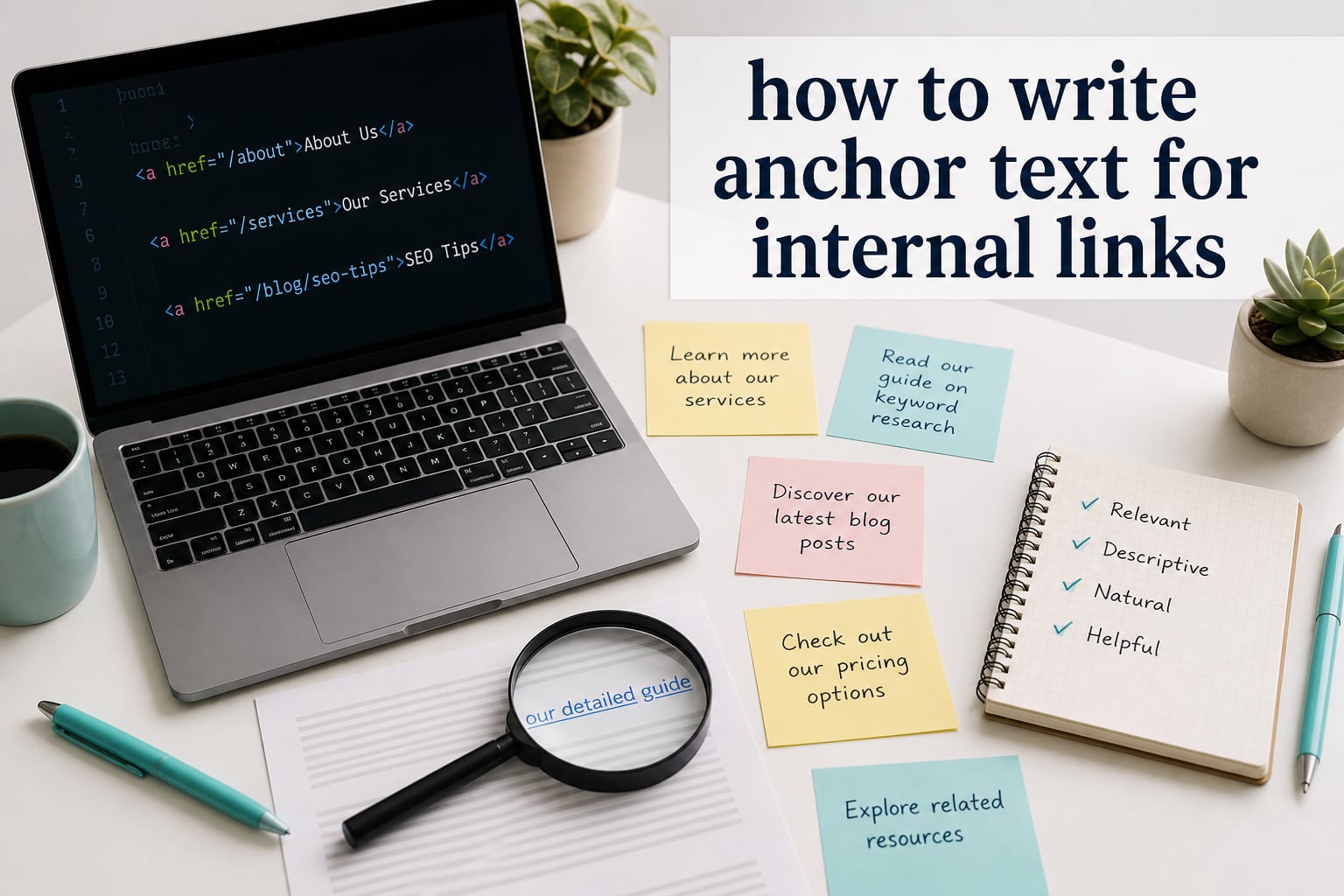
If you’ve ever wondered how to write anchor text for internal links that actually help your SEO, this guide is for you. Anchor text is the visible, clickable text in a hyperlink that describes the linked page to both readers and search engines. Pick the right words, and you help Google understand your site architecture while guiding readers to useful next steps. Pick the wrong words, and you leave rankings on the table.
I’ve spent the last few years reviewing internal linking patterns across hundreds of blog posts and product pages, and the difference between a 5-minute anchor text job and a thoughtful one is genuinely measurable. In this guide, I’ll walk you through what anchor text is, the different types you can use, and a step-by-step process for writing anchor text that satisfies both readers and search engines.
Table of Contents
What Is Anchor Text (And Why It Matters for SEO)
Anchor text is the visible, clickable text in a hyperlink that describes the page you’re linking to. As Google’s own documentation puts it, this text tells people and Google something about the page you’re linking to. Place your cursor over any link on this page and you’ll see the anchor text light up.
For SEO, anchor text serves two big jobs. First, it tells search engines what the destination page is about, which helps Google match that page to relevant queries. Second, it passes link equity (sometimes called “link juice”) from one page to another, helping the linked page rank for the topics described in the anchor.
Internal links with well-written anchor text also shape your site architecture. They tell crawlers which pages matter most, which ones are related, and how content clusters together. I treat every internal link as a small vote of confidence: you’re saying, “this page is the next logical stop for the reader.”
If you want one quick takeaway: anchor text is one of the strongest contextual signals you control on your own site. Use it deliberately.
What Does Anchor Text Look Like in HTML?
Behind the scenes, anchor text lives inside an HTML anchor tag. The basic structure is simple:
<a href="https://www.example.com/seo-guide">our complete SEO guide</a>
In that snippet, “our complete SEO guide” is the anchor text. The href attribute is the destination URL, and everything between the opening and closing <a> tags is what users see and click.
You might wonder about the difference between <a> and <link>. The <a> tag creates a visible, clickable link inside page content. The <link> tag lives in the page’s <head> and is invisible to readers. It connects stylesheets, canonical URLs, and other machine-readable signals. For internal linking anchor text, you’re always working with the <a> tag.
Types of Anchor Text You Can Use (With Examples)
Not all anchor text is created equal. Different types send different signals, and a healthy internal linking profile uses a mix. Here are the eight types I rely on most often, with concrete examples for each.
Exact Match Anchor Text
Exact match uses the target keyword of the page you’re linking to, with no extra words. For example, linking to a page about “content marketing” with the anchor text “content marketing.” It’s powerful but risky when overused. Google has downplayed exact match anchors for years, so I use them sparingly, maybe 10 to 20 percent of internal links at most.
Partial Match Anchor Text
Partial match includes the target keyword along with other descriptive words. For example, “our content marketing guide” or “read this content marketing tutorial.” This is my default for internal links because it stays descriptive and natural without stuffing the keyword.
Branded Anchor Text
Branded anchors use your brand name as the clickable text. If your company is Stay Go, you might link to your homepage with “Stay Go” or “visit Stay Go.” Branded anchors are safe, natural, and great for linking to your homepage or About page.
Naked URL Anchor Text
A naked URL is the raw link as the anchor, like “https://www.staygolinks.com/blog.” It’s functional but visually clunky and provides no semantic signal. I reserve naked URLs for cases where the link itself is the message, such as in citations or shareable link roundups.
Generic Anchor Text
Generic anchors use non-descriptive phrases like “click here,” “read more,” or “this article.” They’re easy to write, but they waste a ranking opportunity. If you can swap “click here” for a phrase that describes the destination, you should.
Image Anchor Text
When you link an image, search engines use the image’s alt text as the anchor text. So if your image alt says “blue running shoes,” that’s the signal Google reads. Always write descriptive alt text for any image you link internally.
LSI and Synonym Anchor Text
LSI (latent semantic indexing) anchors use keyword variations or related terms. For a page about “anchor text,” you might link to it with “link text” or “hyperlink optimization.” This builds topical relevance without repetition.
Title-Based Anchor Text
Title-based anchors use the title or near-title of the destination page. For example, linking to “How to Boost Your Site Speed” with the anchor “how to boost your site speed.” It’s descriptive and usually reads naturally in context.
Here’s a quick comparison to keep handy:
| Anchor Type | Example | When to Use |
|---|---|---|
| Exact match | content marketing | Target pages, sparingly |
| Partial match | our content marketing guide | Default for most internal links |
| Branded | Stay Go | Homepage, About, brand pages |
| Naked URL | https://example.com | Citations, link lists |
| Generic | click here | Avoid when possible |
| Image | alt text used as anchor | Any linked image |
| LSI / synonym | link text | Build topical relevance |
| Title-based | How to Boost Site Speed | Long-form internal links |
How to Write Anchor Text for Internal Links: Step-by-Step
Most guides skip the actual writing process. They’ve told you what anchor text is, but they haven’t shown you how to sit down and write one. Here’s the step-by-step method I use whenever I add internal links to a piece of content.
Step 1: Identify the Destination Page
Before you write a single word of anchor text, decide where the link should go. The destination page should be genuinely useful to the reader and topically relevant. If you can’t describe why the link fits in one sentence, the link probably doesn’t belong.
Step 2: Decide What the Destination Page Is About
Write down the primary topic of the destination page in three to five words. For a blog post about “fast WordPress hosting,” the topic summary is “fast WordPress hosting.” This becomes your anchor text foundation.
Step 3: Survey the Surrounding Sentence
Read the sentence where the link will live. Look for nouns, phrases, or natural phrases that already describe the destination. Linking to a hosting guide from the sentence “Site speed matters for SEO”? The phrase “site speed” is already an anchor candidate. Don’t force a keyword in.
Step 4: Choose Your Anchor Type
Decide which type of anchor fits. If you’re in a body paragraph explaining a concept, partial match works well. If you’re linking to your homepage in a navigation context, branded is fine. Match the type to the context.
Step 5: Write the Anchor Text
Draft two or three options. For example: “WordPress hosting tips,” “our hosting guide,” “fast WordPress hosting.” Pick the one that reads most naturally in the sentence and varies from nearby internal links.
Step 6: Verify It Reads Naturally
Read the sentence aloud. If the anchor text feels shoehorned, rewrite it. Anchor text should never break the flow of the paragraph. If you can’t make it natural, the link may not belong in that spot at all.
Step 7: Track and Vary
Keep a simple spreadsheet of which anchors you’ve used to point at each destination page. The goal is variety. If three different internal links to your hosting guide all say “fast hosting,” mix it up on the next pass.
Anchor Text Best Practices for SEO
Anchor text best practices boil down to four qualities: natural, succinct, descriptive, and visible. Google itself lists these out in its search documentation. Here’s how I apply each one.
Make your links natural. Anchor text should read like a normal part of the sentence. If your phrase only makes sense because it’s a link, rewrite it. Both readers and crawlers pick up on forced phrasing.
Keep anchor text succinct. Aim for two to five words when possible. Long anchors dilute the signal and look spammy to readers. Compare “click here to read our comprehensive guide to internal linking for SEO” with “our internal linking guide.” The shorter version is clearer and stronger.
Be descriptive. Your anchor text should give readers a clear idea of what they’ll find on the other side. “Read more” is a missed opportunity. “Internal linking strategy” tells the reader exactly what they’re getting.
Make sure readers can see the link. Underline your links, color them differently, or otherwise make them visually distinct. Hidden links, or links that look identical to body text, hurt both accessibility and click-through rates.
Diversity matters, too. A natural internal link profile uses a mix of anchor types, not just exact match. In the SEO community, you’ll often hear the rule of thumb that exact match anchors should be a small slice of your link profile, with branded, partial match, and generic anchors filling the rest. There’s no magic percentage, but if every internal link to your homepage is the literal word “home,” change it up.
Common Anchor Text Mistakes to Avoid
Even experienced writers fall into anchor text traps. From reading webmasters forums like r/SEO and WebmasterWorld, these are the issues that come up again and again.
Over-Optimizing With Exact Match Anchors
Stuffing the same keyword-rich anchor text into every internal link is the most common mistake. It looks manipulative, and it disconnects your writing from how real people talk. Spread your exact match anchors across your site and use mostly partial or branded anchors for the rest.
Using “Click Here” Everywhere
“Click here” is accessibility-friendly (screen readers will narrate it), but it’s a wasted SEO opportunity. Better alternatives include descriptive anchors that say what the link is about. If you must write “click here” for accessibility, wrap it in a more descriptive phrase like “click here for our SEO guide” where “our SEO guide” is the linked span.
Repeating the Same Anchor Text Within a Page
Multiple identical anchor text links in a single page dilute the signal and confuse readers. Link to the same destination once or twice per page, and use different anchor text each time. Notice in this article how I haven’t repeated the same anchor for the same target in a row.
Ignoring Anchor Text in Navigation
Site navigation uses anchor text too, and Google’s Matt Cutts has famously said that menu links pass less weight than in-body links. That doesn’t mean you should ignore them. Make your main nav links descriptive (“SEO Tools” instead of “Tools”) so they support your anchor text strategy passively.
Linking Without Reading
The fastest way to write bad anchor text is to skim the destination page and pick a quick phrase. The fix is simple: read the destination page, find the phrase that genuinely describes it, and link that phrase. Quality anchors come from quality reading.
How to Audit Your Existing Internal Anchor Text
If your site has been around for years, you’ve probably accumulated hundreds of internal links using all sorts of anchor text. A quick audit can uncover weak anchors, over-optimization, and missed opportunities.
Start by exporting your internal links. In WordPress, plugins like Link Whisper or Yoast SEO can generate a list of every internal link on your site. In other CMSes, you can crawl your site with a tool like Screaming Frog and filter for internal links.
Next, group your links by destination page. Look at every anchor text that points to a single page. Is there variety? Are some anchors weak (“click here,” “this”)? Are too many identical?
Then prioritize fixes. Update the most important pages first, especially your top-traffic posts and cornerstone content. Replace weak anchors with descriptive ones, and break up exact-match clusters with partial-match or branded alternatives.
Finally, set a quarterly reminder to repeat the audit. Sites grow, content changes, and old anchor text patterns can drift back into lazy habits over time.
Frequently Asked Questions
What is the anchor text of a link?
Anchor text is the visible, clickable text inside a hyperlink that describes the page being linked to. It tells both readers and search engines what the destination page is about, and it helps search engines understand site structure and relevance.
How do I put an anchor in a link?
Use the HTML anchor tag: u003ca href=u0022URLu0022u003eyour anchor text hereu003c/au003e. The text between the opening and closing tags is the clickable anchor text. In most CMS platforms, you can highlight text, click the link button, and paste the destination URL to add anchor text without writing code.
What is the difference between u003cau003e and ?
The u003cau003e tag creates a visible, clickable link inside page content, and the text inside it is the anchor text readers see. The tag lives in the page’s section, is invisible to readers, and connects resource files like stylesheets and canonical URLs.
How do you anchor text?
To write effective anchor text, make it descriptive of the destination page, keep it to 2-5 words, read it aloud to confirm it sounds natural, vary your anchor types across multiple links, and avoid generic phrases like click here when a descriptive alternative fits.
What percentage of anchor text should be exact match?
There is no fixed percentage, but most SEOs recommend keeping exact match anchors to a small slice of your profile, often under 20 percent for internal links. The rest should be a mix of partial match, branded, title-based, and generic anchors to look natural.
Should I use the same anchor text for multiple internal links?
Avoid repeating the exact same anchor text for multiple internal links to the same page, especially on a single page. Vary your anchors using partial match, branded, or title-based phrases so the link profile looks natural and avoids over-optimization signals.
Final Thoughts
Learning how to write anchor text for internal links is one of the highest-ROI SEO skills you can build. The mechanics take an afternoon to learn, but the discipline of writing descriptive, varied, natural anchors will compound across every post on your site. Pick one page, audit its existing internal links, and rewrite the weakest anchors. That’s the move that starts the flywheel spinning.
Stay Go Links is built on practical, no-fluff SEO playbooks like this one. Stick around for more guides on-site architecture, internal linking strategy, and the small on-page details that quietly move rankings.