
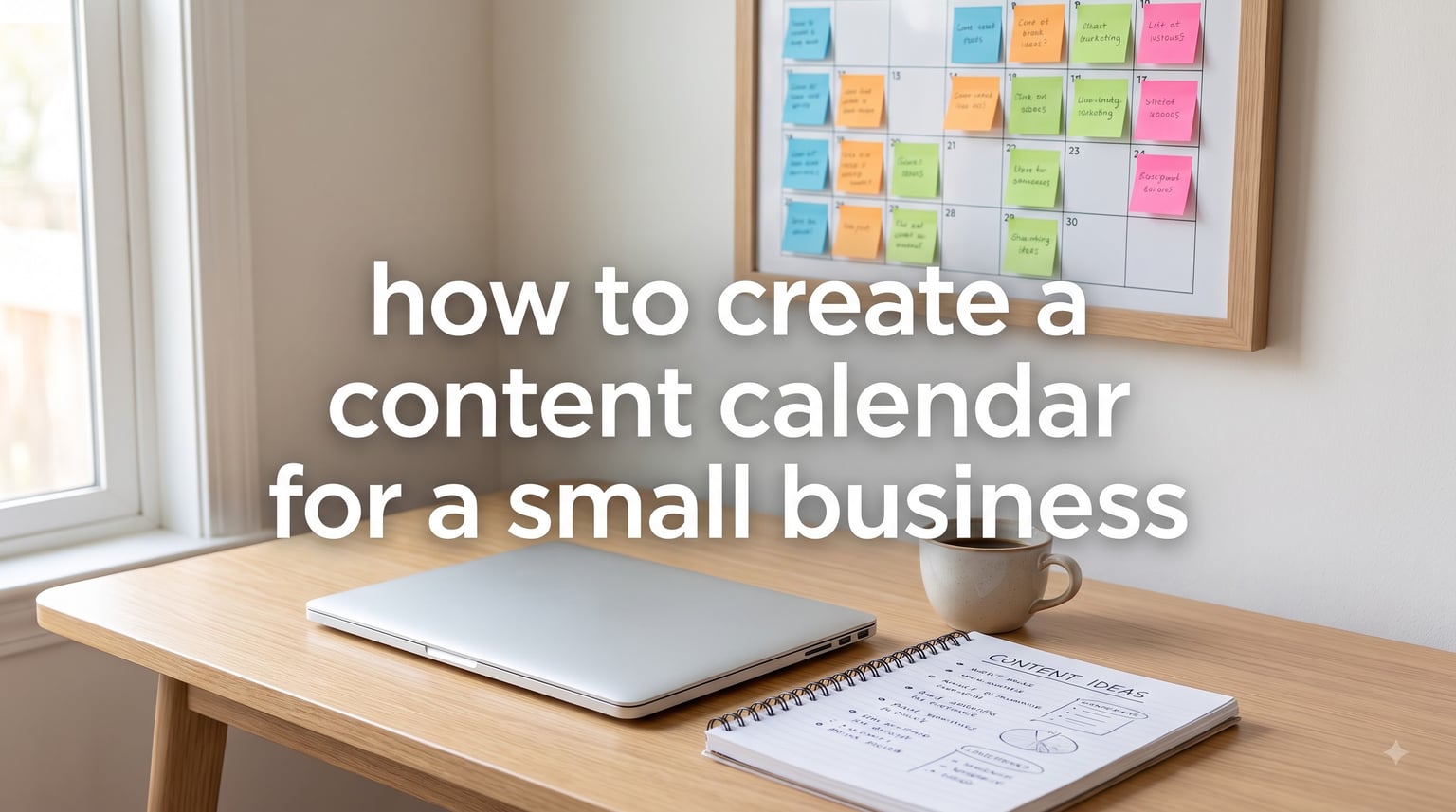
Learning how to create a content calendar for a small business comes down to seven steps: set goals, audit your existing content, choose your platforms, define content pillars, plan a monthly posting schedule, batch create your content, and review performance each month. You do not need expensive software or a marketing team to do this. A free spreadsheet and about two hours of planning per month is enough for most small businesses.
I have helped solo business owners and two-person marketing teams build calendars that stick, and the pattern is always the same. The winners start small, plan in batches, and keep the system simple enough to maintain on a bad week. In this guide, I will walk you through the exact process we use, what to include in your calendar, and which free tools work best when your budget is tight.
By the end, you will have a repeatable monthly workflow instead of that panicked “what do I post today?” scramble that eats your mornings.
Table of Contents
What Is a Content Calendar and Why Small Businesses Need One
A content calendar is a visual planning tool that maps out what you will publish, where, and when, typically organized by week or month. It covers everything from social media posts and blog articles to email newsletters and seasonal campaigns. Think of it as a marketing schedule you can see at a glance.
People often use the terms interchangeably, but there is a difference between a content calendar and a social media calendar. A social media calendar only tracks posts for platforms like Instagram, Facebook, or LinkedIn. A content calendar is broader and includes every channel you publish on: your blog, email list, videos, and even in-store events.
For a small business, this matters because your time is your scarcest resource. Business owners we talk to say the biggest pain is creating content at the last minute and struggling to keep variety in what they post. A calendar fixes both problems before they start.
Here is what a good calendar does for a lean team:
- Eliminates daily decision fatigue because the topic is already chosen
- Keeps your posting schedule consistent, which drives audience engagement over time
- Lets you batch creating content into one focused block instead of scattered tasks
- Surfaces gaps in your content mix while there is still time to fix them
- Makes seasonal campaigns and product launches planned events instead of fire drills
How to Create a Content Calendar for a Small Business: Step-by-Step
Follow these seven steps in order and you will have a working editorial calendar in a single afternoon. Each step builds on the one before it, so resist the urge to jump straight to scheduling posts.
Step 1: Set One or Two Marketing Goals
Start by writing down what your content is actually for. Pick one or two goals, such as generating 50 email signups per month, booking 10 discovery calls, or driving 1,000 monthly visitors to your storefront page. Every piece of content in your calendar should connect back to one of those goals.
Without goals, a content calendar becomes a random list of posts. With them, it becomes a content strategy you can measure.
Step 2: Audit What Already Works
Before creating anything new, look at your last 90 days of content. Note which posts got the most engagement, which blog posts brought search traffic, and which emails got opened. Also list anything you created that could be updated or repurposed instead of replaced.
Most small businesses find that roughly 20 percent of their content drives 80 percent of results. Your calendar should double down on that 20 percent.
Step 3: Choose One to Three Platforms
Pick the platforms where your customers actually spend time, not wherever feels trendy. A local service business often wins with Google Business Profile plus Facebook and Instagram. A B2B consultant usually belongs on LinkedIn plus an email newsletter.
It is better to post consistently on two platforms than sporadically on five. You can always expand later once your workflow is stable.
Step 4: Define Three to Four Content Pillars
Content pillars are the recurring themes your calendar rotates through, and they are the single best cure for “I don’t know what to post.” A typical small business mix looks like this:
- Educational: how-to tips, FAQs, mistakes to avoid
- Behind the scenes: your process, your team, your story
- Social proof: customer reviews, before-and-aftars, case studies
- Promotional: offers, product launches, seasonal campaigns (keep this under 20 percent)
With four pillars and three posts per week, you only need to brainstorm one idea per pillar each week. That is four decisions instead of twelve.
Step 5: Build the Monthly Posting Schedule
Open a spreadsheet and set up columns for date, platform, pillar, topic, format, and status. Then fill in your known anchors first: holidays, promotions, product launches, and seasonal moments for your industry. Fill the remaining slots with pillar-based topics from your audit.
Plan one month at a time when you are starting out. A full quarter sounds impressive but overwhelms most one-person teams before week two.
Step 6: Batch Create Your Content
Batching means grouping similar work: write all captions in one sitting, shoot all photos or videos in another, and schedule everything in a third. This is where a content calendar pays for itself, because you always know what to create next.
Try time-blocking two 90-minute sessions per week. One-person marketing teams that batch this way consistently produce more content in fewer hours than those creating posts in real time.
Step 7: Review and Adjust Monthly
At the end of each month, spend 30 minutes comparing results against the goals from Step 1. Note your top three posts, your worst performer, and any pillar that underperformed. Adjust next month’s calendar based on what you learn instead of guessing.
This loop is what separates businesses that build audience engagement from those that just post into the void.
Essential Elements to Include in Your Calendar
Every strong content calendar tracks the same core details, whether it lives in Google Sheets or a paid tool. Include these eight elements in each row or card:
- Publish date and time: matched to when your audience is active
- Platform: the specific channel, not just “social”
- Content pillar: which theme this post serves
- Topic and working title: a one-line description
- Format: reel, carousel, blog post, email, story, etc.
- Asset status: draft, designed, approved, or scheduled
- Call to action: what the reader should do next
- Owner: who is responsible, even if that person is you
The asset status column matters more than people expect. It turns your calendar into a visual overview of your content workflow, so you can spot bottlenecks before publish day.
How to Choose the Right Platforms for Your Business
Choose platforms based on where your customers spend time and what format you can produce consistently, not on what competitors are doing. Answer two questions: who is my customer, and what content can I realistically make every week?
Here is a quick reference that works for most small businesses:
- Local retail or service: Instagram and Facebook for community engagement, plus Google Business Profile posts
- B2B or professional services: LinkedIn plus an email newsletter
- Visual products (food, decor, fashion): Instagram and Pinterest for evergreen discovery
- Education or consulting: a blog plus YouTube for long-form trust building
On posting frequency, consistency beats volume. Two to four posts per week per platform is plenty for a small business, and daily posting is only worth it if batching makes it effortless.
Free and Paid Tools for Content Calendar Creation
You can build a perfectly good content calendar for $0, and I recommend starting there. Paid tools earn their cost only when scheduling time or team collaboration becomes a real bottleneck.
Free Options
- Google Sheets: the most flexible free option, with shared templates and real-time collaboration
- Excel: a solid offline alternative with calendar templates built in
- Canva: includes a visual content calendar plus the design tools to create the posts themselves
- Notion: great for combining your calendar with notes, drafts, and your full content workflow
- Buffer (free plan): schedules posts to up to three channels with a basic calendar view
Paid Options
- Buffer (paid): more channels, analytics, and an approval workflow for small teams
- Hootsuite: full scheduling, monitoring, and reporting for growing teams
- Later: visually oriented planning built for Instagram-first businesses
- CoSchedule: a full marketing calendar that unifies blog, social, and email in one view
A practical upgrade path: start in Google Sheets, move to Buffer free when you want auto-publishing, and only pay for a tool when team collaboration or approvals slow you down.
Tips for Maintaining Consistency as a One-Person Team
Running marketing alone is the reality for most small business owners, and nearly every forum conversation on this topic comes back to the same worry: keeping up without burning out. These are the approaches that consistently work.
- Shrink the scope, not the system: two posts per week on one platform that actually happen beat an ambitious plan you abandon
- Time-block creation: put two recurring 90-minute sessions on your calendar and treat them like client meetings
- Keep a running idea list: capture topics the moment customers ask them, so brainstorming is already done
- Repurpose ruthlessly: one blog post becomes an email, three social posts, and a video script
- Schedule a buffer week: always stay one week ahead so a busy client week does not break your streak
- Batch by energy, not just task: write when you are sharp, design when you are tired
Simple, straightforward systems beat complex ones every time for solopreneurs. If your calendar takes more than 30 minutes a week to maintain, simplify it.
Frequently Asked Questions
What is the best tool for creating a content calendar?
Google Sheets is the best starting tool for most small businesses because it is free, collaborative, and flexible enough to handle any posting schedule. As your needs grow, Buffer offers simple scheduling and CoSchedule offers a full marketing calendar with approval workflow for teams.
What is the best free software for creating a content calendar?
The best free options are Google Sheets, Excel, Canva, Notion, and Buffer’s free plan. Google Sheets is the most popular choice for small businesses, while Canva works well if you also want built-in design tools for creating the posts themselves.
What is the difference between a social media calendar and a content calendar?
A social media calendar tracks only your posts on social platforms like Instagram, Facebook, and LinkedIn. A content calendar is broader and schedules all your marketing content across every channel, including blog posts, email newsletters, videos, and seasonal campaigns.
What apps can I use to create a content calendar?
Popular apps for content calendars include Google Sheets, Notion, Canva, Buffer, Hootsuite, Later, and CoSchedule. For a small business starting out, Google Sheets or Buffer’s free plan covers everything you need.
Conclusion: Start Small and Stay Consistent
Knowing how to create a content calendar for a small business is less about the tool and more about the habit: set a goal, pick a few platforms, rotate through content pillars, and batch your creation time. Start with one month in a free spreadsheet this week.
You can always upgrade tools and expand platforms later. What you cannot fake is consistency, and that starts with your first planned month.