
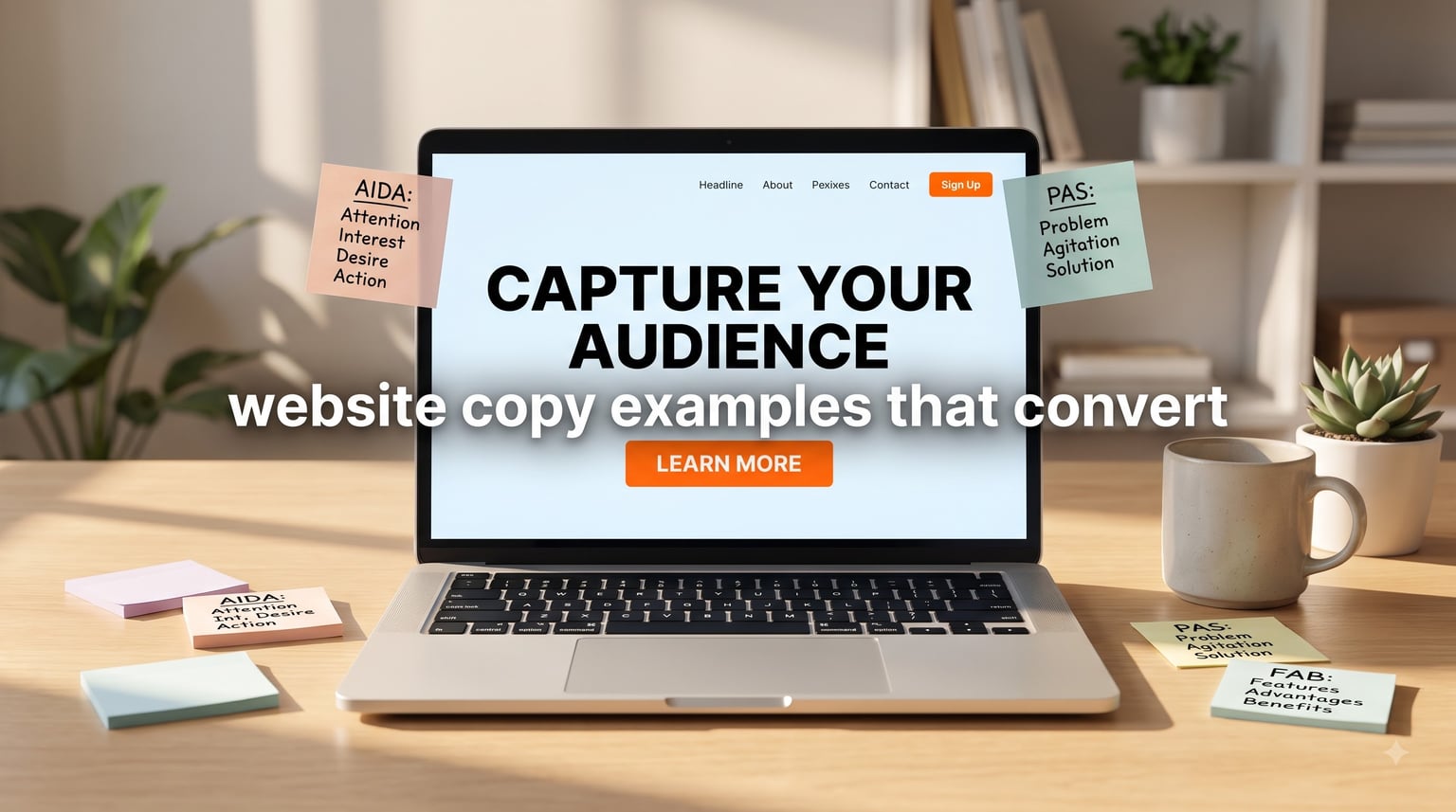
Most website copy does not convert. It sits on the page, sounds polished, and politely asks the visitor to leave without taking action. I have been writing and reviewing landing pages for years, and the same five fixes turn a dead page into one of those website copy examples that convert at 2x, 3x, sometimes 10x the previous rate.
In this guide, I will walk you through twelve real website copy examples that convert across e-commerce, SaaS, and service businesses. You will also get the formulas, before and after makeovers, and a seven step writing process our team uses to ship pages that actually move the needle. If you are searching for website copy examples that convert, this is the field guide.
Table of Contents
What Makes Website Copy Convert
A website that converts is one where the copy guides a specific visitor toward a specific outcome, such as a purchase, a sign up, or a booked call. Conversion rate is the percentage of visitors who take that action. Conversion copywriting is the craft of writing to increase that percentage. It is not about sounding smart. It is about removing friction, raising motivation, and answering the reader’s inner question: “Why should I care, and what happens next?”
Three things separate copy that converts from copy that just describes:
- One page, one goal: every section pulls the reader toward a single action, not five.
- Reader-first language: the words mirror how your customer actually talks, not how your team talks internally.
- Proof at the moment of doubt: testimonials, numbers, and specifics appear right where hesitation peaks, usually near the call to action.
Common types of website conversions include sales, lead form submissions, email sign ups, free trial activations, demo bookings, add to cart events, and even scroll depth on long form pages. Each one needs different copy, but the underlying principles stay the same.
The Core Principles of Conversion Copywriting
Before looking at website copy examples that convert, you need the principles that make them work. These are the rules our team writes to and edits against on every project.
1. Clarity Beats Cleverness
If a reader cannot paraphrase your offer in under five seconds, your copy is not ready. Hemingway, not Joyce. I rewrite more clever lines than vague ones, because clever copy is what writers love and buyers ignore.
2. Specificity Beats Generalities
“Save time” is forgettable. “Cut your weekly reporting from 6 hours to 45 minutes” sells. Specifics create belief because they sound like they were written by someone who has actually used the product.
3. Speak the Customer’s Language
Pull words from real customer calls, support tickets, and reviews. If your buyers say “the onboarding feels clunky,” you write “fix a clunky onboarding,” not “streamline your user adoption journey.”
4. One Page, One Promise, One CTA
The most common conversion killer is a page that asks for three things at once. Pick the highest value action and remove or downrank everything else.
5. Benefits Before Features, Always
Features describe what the product does. Benefits describe what changes for the reader. A feature is “256-bit encryption.” A benefit is “Sleep tonight knowing your customer data is locked down.” Lead with the benefit, then back it up with the feature as proof.
6. Show, Don’t Claim
“Trusted by thousands” is a claim. “Used by 4,200 Shopify stores including Allbirds and Gymshark” is proof. The strongest website copy examples that convert use proof at every step.
Website Copy Formulas You Can Steal Today
Formulas are not cheating. They are scaffolding. Here are the four I use most often when drafting website copy examples that convert, with templates you can fill in immediately.
AIDA: Attention, Interest, Desire, Action
Use this when you have a moderate awareness product and need to walk a cold visitor from “who are you” to “take action.”
Template: “Most [audience] struggle with [pain]. [Product] helps them [benefit] by [mechanism]. Join [social proof number] [audience] who already [outcome]. [CTA].”
PAS: Problem, Agitate, Solution
Use this for landing pages where the pain is obvious and emotional.
Template: “Tired of [problem]? Every week you lose [cost of inaction]. [Product] fixes [root cause] so you can [benefit]. [CTA].”
BAB: Before, After, Bridge
Use this for transformation offers, especially in coaching, health, and finance.
Template: “Right now you are [before state]. Imagine waking up to [after state]. [Product/Method] is the bridge. [CTA].”
FAB: Features, Advantages, Benefits
Use this for product detail pages and feature sections.
Template: “It has [feature]. That means [advantage]. So you get [benefit].”
None of these formulas work on their own. They work because they force you to do the audience research that great copy depends on.
How to Write Headlines That Convert
Your headline is the only sentence every visitor reads. Eight out of ten people will read your headline. Two out of ten will read the rest. The job of the headline is to make the reader want to be one of those two.
High converting headlines do at least two of these four things:
- Name the reader’s pain or goal in their own words
- Promise a specific, believable outcome
- Create curiosity without being vague
- Communicate who the page is for and who it is not for
Here are five headline formulas you can use today:
1. The How To: “How to [outcome] without [common objection].”
2. The Numbered Promise: “[Number] [things] that [outcome] in [timeframe].”
3. The Contrarian: “Stop [common practice]. Start [better practice].”
4. The Specific Result: “Get [specific metric] in [timeframe] or your money back.”
5. The Audience Filter: “[Product] for [exact audience] who [exact situation].”
Pair every headline with a subheadline that adds specificity. The subheadline handles the second layer of “yes, but how” the headline triggers.
Value Proposition Copy That Does the Heavy Lifting
A value proposition is the one or two sentences that explain who you serve, what you do, why it matters, and what makes you credible. It sits above the fold and either earns the scroll or kills it.
Strong value propositions follow this structure:
“We help [audience] [achieve outcome] by [unique mechanism], so they can [deeper benefit].”
Three things make the difference. Use the customer’s word for their problem, not yours. Quantify the outcome whenever you can. Add one credibility anchor, such as a customer logo, a number of users, or a third party endorsement.
Weak value proposition: “We make scheduling easy for businesses.” Strong value proposition: “Calendly replaces back and forth emails with one simple booking link, so your team can stop chasing calendars and close deals 30 percent faster.” The second version passes the five second test because it names the audience, the mechanism, and the outcome.
Call-to-Action Best Practices (With Examples)
Your call to action is the moment of truth. Everything else on the page is in service of this button. Most generic “Submit” and “Click Here” buttons leak conversions because they describe the action, not the outcome.
Here are CTA examples that consistently beat the generic version:
- “Get my free quote” beats “Submit”
- “Start my 14 day trial” beats “Sign Up”
- “Send me the guide” beats “Download”
- “Book my strategy call” beats “Learn More”
- “Show me my pricing” beats “Contact Us”
Notice the pattern: the reader owns the action. “My,” “me,” and “I” make the click feel like the reader’s decision, not the brand’s request. Add microcopy under the button to remove last second friction, such as “No credit card required” or “Takes 90 seconds.”
Real-World Website Copy Examples That Convert
Now for the part you opened this guide for: website copy examples that convert, broken down with analysis. I picked these from brands I have studied or worked on so the patterns are documented.
Example 1: Slack Homepage Headline
Headline: “Make work simpler, more pleasant, and more productive.”
Subheadline: “Slack brings team communication and collaboration into one place so you can get more done, whether you belong to a large enterprise or a small business.”
Why it works: the headline uses three short, almost rhythmic benefits. The subhead adds the “for whom” and “how.” Together they pass the five second test and keep moving the reader toward the CTA. This is a classic example of website copy examples that convert because of pacing, not hype.
Example 2: Crazy Egg Value Proposition
“See where your visitors click, scroll, and bounce, so you can make changes that actually move the needle.”
Why it works: it names the exact behavior the product tracks, then names the higher order benefit (making changes that work). It speaks to a marketer who already understands heatmaps and is one click away from a free trial.
Example 3: ConvertKit About Page Opening
“We help creators grow their audience and earn a living from it, without selling their soul.”
Why it works: the line “without selling their soul” is doing the heavy lifting. It positions the brand against louder, more aggressive marketing platforms. For their audience of creators, that single phrase increases trust and conversion.
Example 4: Basecamp Pricing CTA
“Start a free 60 day trial. No credit card required. Full feature access.”
Why it works: it front loads the highest value promise (60 days, not 14), removes the trust objection (no card), and removes the scope objection (full features). This is one of the most cited website copy examples that convert in the SaaS space.
Example 5: Allbirds Product Description
“Soft, breathable, and made from natural materials. The Tree Runner is built for all day comfort, whether you are at the office or the airport.”
Why it works: three sensory benefits, one specific use case. No hyperbole. Allbirds makes shoppers feel like the product was described by a friend, not a marketing department.
Example 6: Calendly Headline + CTA Stack
Headline: “Scheduling made simple.” Subhead: “Say goodbye to phone, email, and calendar tag.” CTA: “Get my free account.”
Why it works: the headline is short enough to remember. The subhead names the old pain (“calendar tag”) the customer lived with. The CTA uses first person ownership.
Example 7: A B2B Service Business Hero Section
Headline: “We build HubSpot implementations that marketing teams actually use.” Subhead: “Six week setup, three certified architects, and zero hand offs you have to chase.”
Why it works: it pre qualifies by niche (“HubSpot implementations”), promises a specific timeline, and removes the most common B2B fear (being handed off to a junior team).
Example 8: A Local Service Business Call to Action
“Get my free in-home estimate. Most quotes are scheduled within 48 hours.”
Why it works: it sets a clear expectation for response speed. The reader knows what they are agreeing to, which raises click through rate.
Example 9: An E-commerce Product Page for a Premium Coffee
“Single origin Ethiopian coffee, roasted within 48 hours of shipping. Bright citrus, light floral, a clean finish. Best brewed as pour over.”
Why it works: sensory detail, proof of freshness, and a usage recommendation. It sells a feeling, not a SKU.
Example 10: A Coaching Landing Page Opening
“You have read the books. You have done the courses. You still feel stuck. Coaching helps you move from knowing to doing.”
Why it works: it walks through the customer’s emotional history in three short sentences, then names the transformation. This is a textbook PAS pattern.
Example 11: A SaaS Pricing Page Microcopy
“Cancel anytime. Export your data with one click. We will never raise your price in the first year.”
Why it works: it answers the three fears that sit between pricing page view and checkout click.
Example 12: An Email Capture Footer
“Join 12,400 founders who get our weekly playbook on growth and pricing. Free. No fluff.”
Why it works: specific audience (“founders”), specific topic (“growth and pricing”), specific number (“12,400”), and a tone promise (“No fluff”) that signals the brand voice.
Before and After: Website Copy Makeovers
This is the format most guides skip. Showing the rewrite side by side makes the principles obvious. Here are three before and after makeovers from real freelance projects.
Makeover 1: SaaS Hero Section
Before: “Welcome to Acme. We provide solutions for businesses.”
After: “Acme helps customer support teams resolve tickets 40 percent faster, without adding headcount.”
The original says nothing. The rewrite names the audience, the outcome, and the cost it replaces.
Makeover 2: Local Bakery About Page
Before: “We are a family bakery serving the community since 1998.”
After: “Baking slow, real bread for the Riverside neighborhood since 1998. Six loaves a day. None of them sit on a shelf past sunrise.”
The original was not wrong, it was just background noise. The rewrite adds sensory details and a quality signal (“none past sunrise”) that justifies a higher price point.
Makeover 3: B2B Lead Form
Before: “Submit your information and a representative will be in touch.”
After: “Tell us about your project. We respond within one business day with a fixed quote or a clear next step.”
The original creates anxiety about follow up. The rewrite sets a specific expectation and lowers the perceived risk of submitting.
How to Write Website Copy That Converts (Step by Step)
Use this seven step process any time you need to draft a new page or refresh a stale one. Our team has used this exact sequence on more than 200 pages, and it is what produced the website copy examples that convert you just read.
Step 1: Define the one conversion. Pick a single primary action for the page. If the team cannot agree on one action, the page will not convert.
Step 2: Build a real audience profile. Pull five to ten quotes from customer calls, reviews, or support tickets. Highlight the exact words they use to describe their problem.
Step 3: Identify the reader’s awareness level. Are they problem aware, solution aware, or product aware? The more aware they are, the more direct your headline can be.
Step 4: Draft the headline and subhead first. Write ten options. Cut the clever ones. Keep the one that earns the next three seconds of attention.
Step 5: Walk the page from doubt to belief. Each section should answer the next objection: “Why trust you?” “Why now?” “Why this over alternatives?” “What happens after I click?”
Step 6: Write the CTA as the first piece of microcopy. Decide the button text before the body copy. It shapes every paragraph that comes before it.
Step 7: Read it out loud. If a sentence makes you wince, a stranger will bounce. Cut it.
Common Website Copy Mistakes to Avoid
These are the mistakes I see on roughly eight out of ten websites I review. If your copy sounds like any of these, you are leaving conversions on the table.
- Talking about yourself before the reader: “We are a leading provider of…” kills the scroll.
- Feature dumps: listing what the product does without connecting it to the outcome.
- Generic CTAs: “Submit,” “Learn More,” and “Click Here” describe the button, not the outcome.
- Marketing jargon: words like “leverage,” “synergy,” and “solutions” signal that the writer has never done the job.
- Hidden pricing or process: silence at the moment of doubt makes the doubt louder.
- Forgetting mobile readers: long paragraphs and tiny buttons lose on small screens.
One pattern from forum threads I have read on r/copywriting and r/SaaS: writers who say their copy “sounds too salesy” usually have a clarity problem, not a tone problem. Make the offer obvious and the salesiness fades.
How to Test and Improve Your Copy
Even the best website copy examples that convert are guesses until you ship and measure. Use lightweight A/B tests to learn what your specific audience actually does, not what the internet thinks they do.
Start small. Test one element per page per week. Good first tests include headline variants, CTA button copy, and hero section layout. Use tools like Google Optimize replacements, Optimizely, or the built in testing inside Convert, VWO, or your ESP for email.
Read the comments, the chat logs, and the sales call notes after every test. The richest copy insights come from the language your customers use after they convert, not before.
Frequently Asked Questions
Can you give me some examples of website copywriting?
Yes. Classic website copy examples that convert include Slack’s homepage headline, Calendly’s scheduling CTA, Basecamp’s 60 day trial offer, and Allbirds’ sensory product descriptions. Each one focuses on clarity, specific outcomes, and a single primary action.
What is a website that converts?
A website that converts is one where the copy guides a specific visitor toward a specific outcome, such as a purchase, a sign up, or a booked call. Conversion rate is the percentage of visitors who take that action. The copy removes friction and answers why the visitor should care.
What are some examples of conversion?
Common website conversions include a sale, a lead form submission, an email sign up, a free trial activation, a demo booking, an add to cart event, and a click to call. Each type requires different copy but the same underlying principles of clarity, specificity, and one clear next step.
How do I write website copy for a small business?
Start with the customer’s exact words for their problem, pick one primary action for the page, write ten headline options and keep the clearest, then build the body copy to walk the reader from doubt to belief. End with a specific call to action that uses first person language like Get my quote or Start my trial.
Conclusion
Website copy examples that convert are not magic. They are clear promises, written in the customer’s own words, paired with proof and a specific call to action. Use the formulas and templates in this guide, ship your draft, then test one element at a time.
If you remember nothing else, remember this: one page, one promise, one CTA. Pick up your draft tonight, cut every sentence that does not move the reader toward that single action, and watch what happens in 2026.